TetherScript Simulator
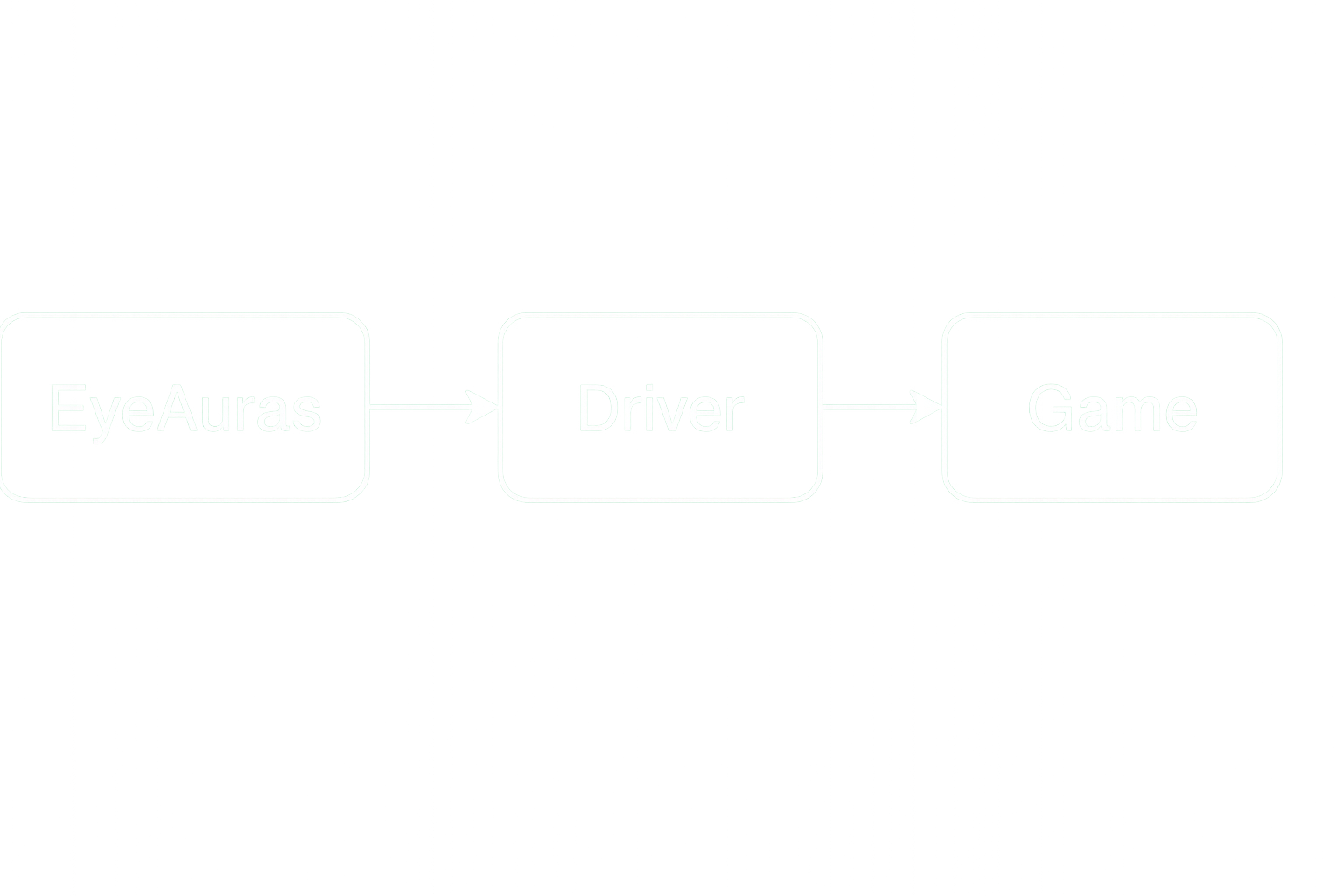
simulate inputs via driver
Why?
Many games protected by anti-cheat systems block synthetic (simulated) input. To bypass this, you need to go a level deeper and use either specialized drivers or physical devices (e.g., Usb2Kbd). The TetherScript driver falls into the first category.
How to Install?
- Download the driver:
- (recommended) EyeAuras mirror – https://s3.eyeauras.net/media/2024/10/HVDK Standard 2.1.exe
- or from the official GitHub – https://github.com/tetherscript/hvdk
- or download and install ControlMyJoystick from the official website – https://tetherscript.com/controlmyjoystick-home/ IMPORTANT – you do not need to purchase ControlMyJoystick, we are not planning to use the actual software. We only need the driver that comes with it.
- Install the driver:
Straightforward – just click Next, Next, Next. In some cases, the installer will ask to reboot your machine.
That’s it — the driver is now ready to use. Next, we configure EyeAuras.
How to Use?
Set up EyeAuras to use the TetherScript Driver for simulating input.
IMPORTANT – do not mix different approaches. Choose one method. The most convenient is folder-level configuration.
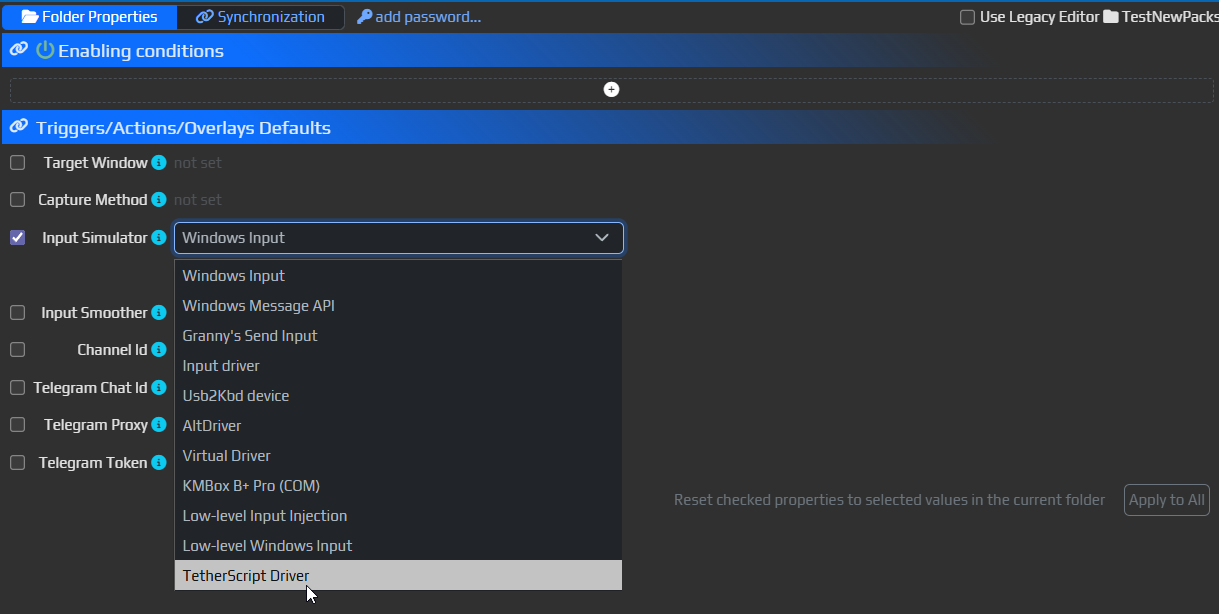
Option #1 (recommended) Folder Properties
- Select the folder that contains your auras, then go to
Folder Properties - Check the
Input Simulatorbox and choose TetherScript Driver from the dropdown - All new auras and input nodes will now use the driver instead of the default simulator
p.s. To apply changes to existing auras, clickApply To All. If you’re only using macros or behavior trees, this step is optional but harmless.
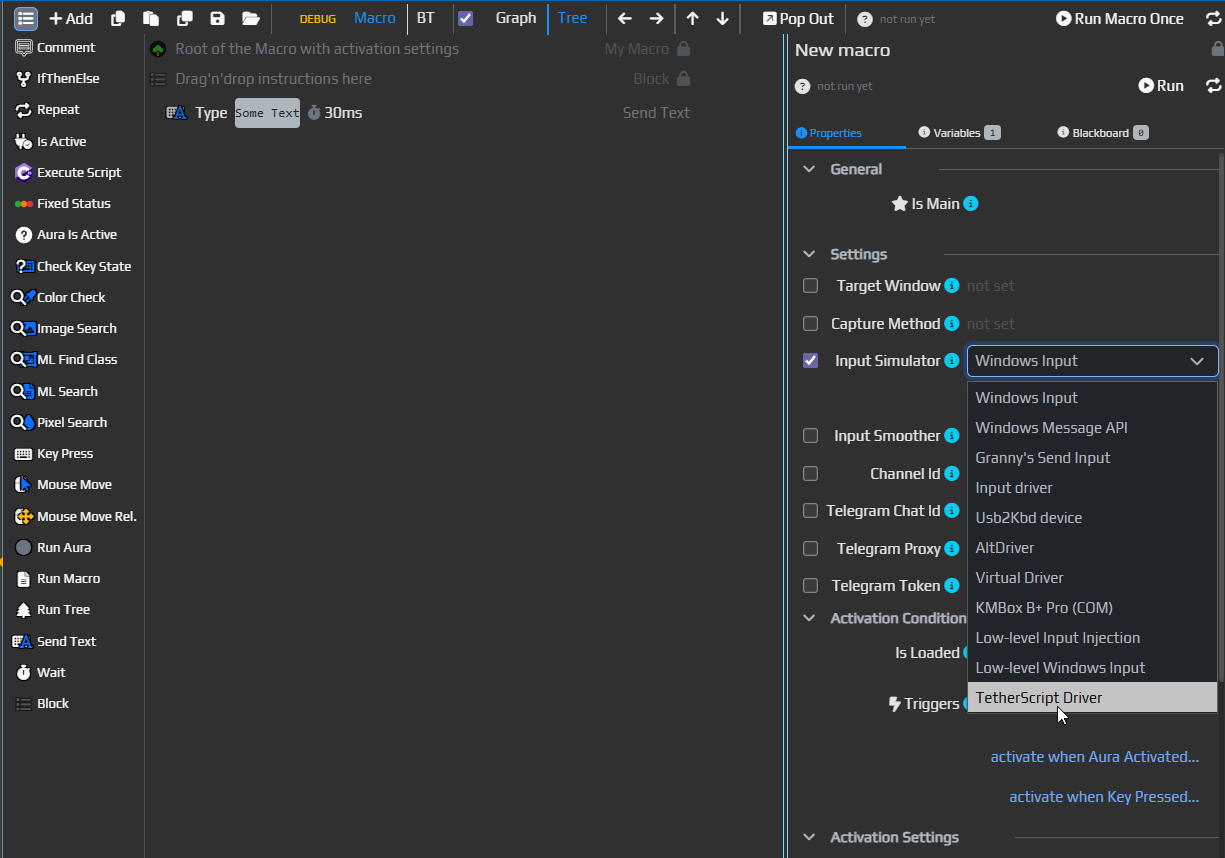
Option #2 Macro / Behavior Tree Properties
- Select any macro or behavior tree
- Then select the root node – in macros it’s the first line; in trees, the node labeled
Root - In the settings on the right, check
Input Simulatorand selectTetherScript Driver - All input actions in that macro/tree will now use the driver
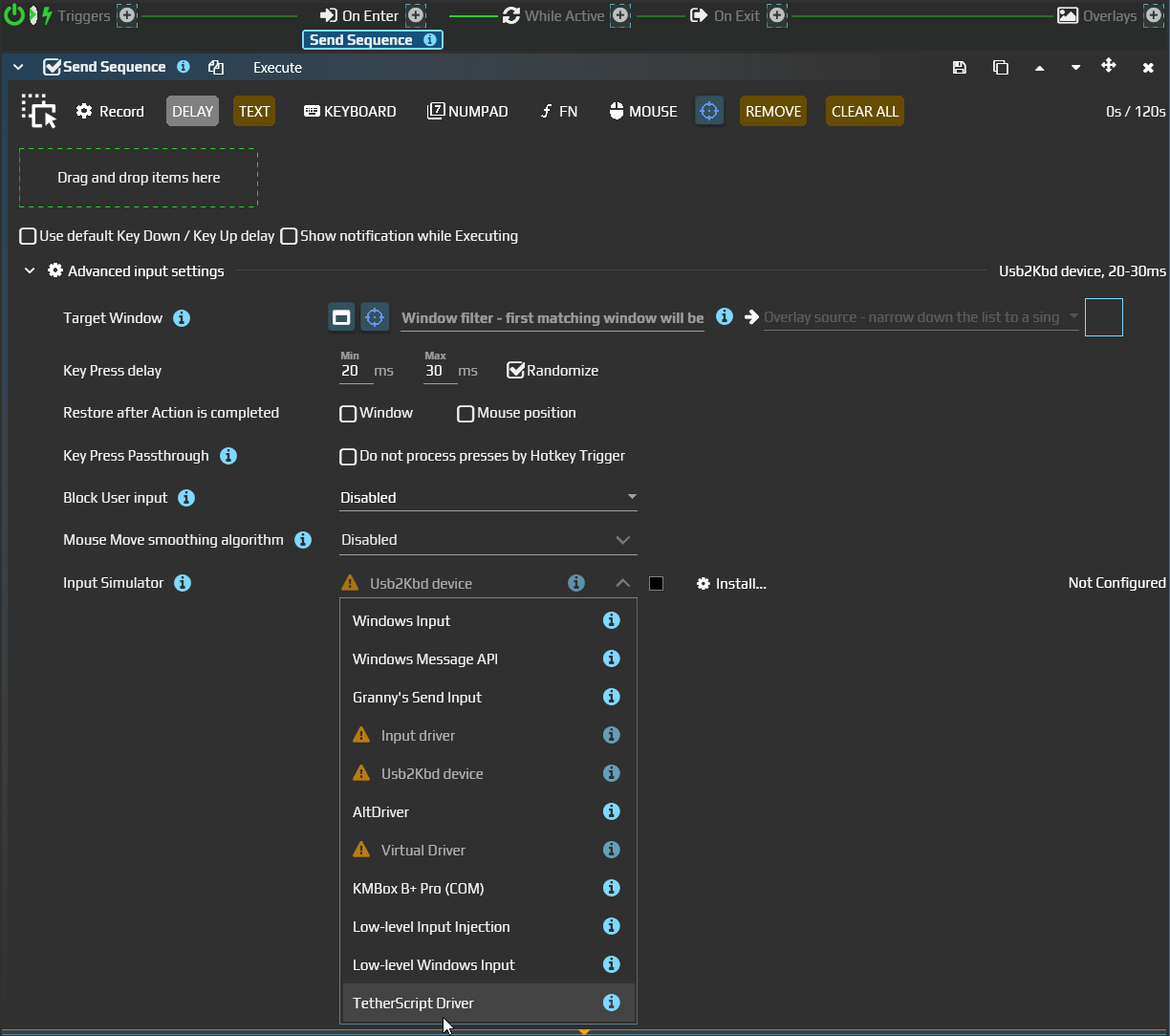
Option #3 (legacy) Send Sequence Properties
- Select an aura that contains a
Send Sequenceaction - Expand
Advanced Settings - In the
Input Simulatordropdown, chooseTetherScript Driver - This action will now send input using the driver
What is TetherScript?
TetherScript is the company behind ControlMyJoystick, a tool that emulates both gamepad and keyboard/mouse input.
We are not using the full software — only the driver component. EyeAuras will send commands directly to this driver.
From the OS perspective, input sent via this driver is almost indistinguishable from input generated by a physical keyboard or mouse.
Most anti-cheat systems do not detect this driver’s input as synthetic. In fact, after 4 years of usage, there are only a few reports of issues from games like Valorant or Fortnite, which either block input or refuse to launch when the driver is installed. Outside of competitive FPS games, everything works fine.
EyeAuras was never aimed at creating aimbots — although possible — but rather for automating routine gameplay in MMOs, ARPGs, and browser games.
How Safe Is It?
TL;DR As of Q2 2025, TetherScript usage is safe for most games. No known ban waves. If you're not cheating in shooters, you’re likely fine.
There are two sides to "safe":
-
Functionality In most cases, the driver just works. To block it, an anti-cheat would need to blacklist this specific driver and prevent the game from launching.
However, ControlMyJoystick is legitimate software, and such measures would also affect regular users — most anti-cheats prefer to ignore it. -
Detection The fact that the driver works doesn’t mean it's invisible.
From the OS view, you'll have multiple input devices sending events at once. Technically this is detectable. What games do with that info varies.
Usually, anti-cheats will just flag the presence of an unusual input device. This flag does not mean you're breaking rules — it’s just logged.
But if you accumulate multiple flags (AFK farming, RMT behavior, long session time, etc.), this might trigger a manual review, and at that point how you simulate input won’t matter much.