¶ YoloEase
start: label 5-10 frames by hand -> first model
                                 |
                                 v
tens/hundreds of frames -> auto-annotation -> review and fixes
         ^                                         |
         |                                         v
         +------------ new model <- Trainer <------+
                                 |
                                 v
                  .pt/.onnx -> EyeAuras or another app
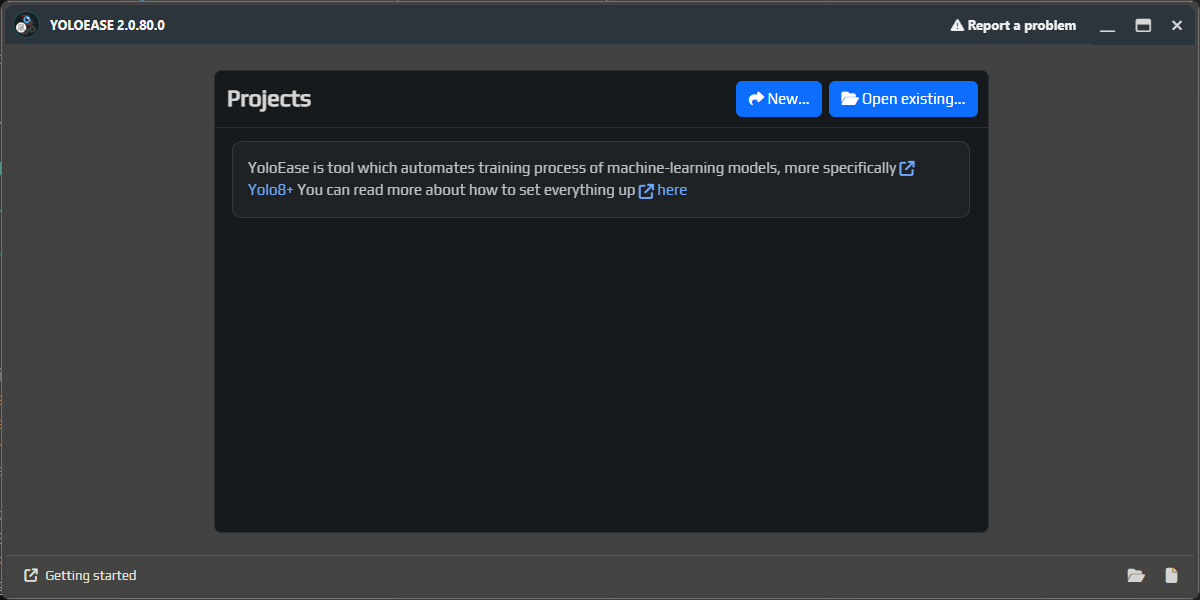
YoloEase is designed to help you train a YOLO model that finds the objects you need in your frames. The result is standard .pt weights for further training and an .onnx file you can run without Python.
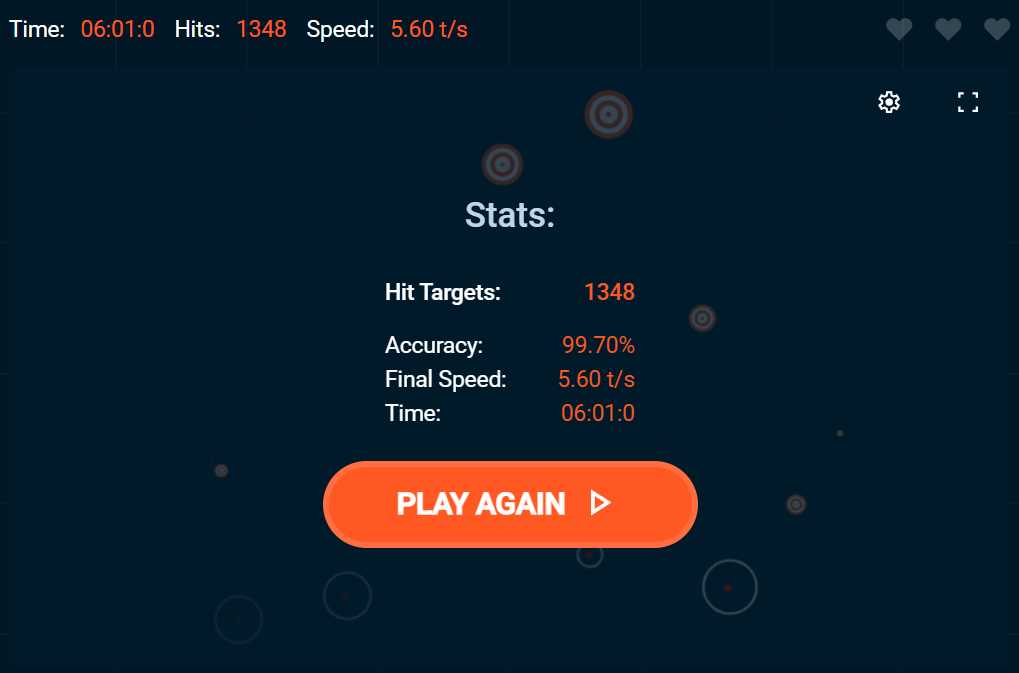
In this guide, EyeAuras is just an example of where a finished model can be used. In the AimTrainer.io example, the model detects targets tgt and the button btn, then EyeAuras loads the ONNX model into ML Search and clicks the detected targets through Behavior Tree.
¶ Practical quick start
Do not begin with a huge perfect dataset. The fastest path is a small manual seed set, then your first model, then larger tasks with auto-annotation.
- Take the first
5-10frames. - Label them by hand.
- Start training.
- While the first model is training, add a bit more manual annotation if you have time.
- When the first model is ready, use it to auto-annotate the next task.
- If auto-annotation is already helping, increase the task size: first tens of frames, then hundreds.
- Review the model suggestions, fix mistakes, and send the task back into training.
Each cycle gives you a new model version. At first it will be weak, then it will help more and more. After a few generations, you stop drawing every box from scratch and mostly review and correct auto-annotation.
Read more about this workflow here: annotation and training, Trainer, annotation editor.
¶ What gets created along the way
| Step | What you get |
|---|---|
| Video or folder | Source frames that will become your dataset. |
Extract frames |
Copies of frames inside the YoloEase project. |
Create Task |
An annotation task: small at first, later tens or hundreds of frames. |
| Annotation editor | Object boxes and labels such as tgt or btn. |
Finish Job |
A completed task that can be used for training. |
Trainer |
YOLO dataset, training runs, predictions, and model files. |
Open on a model |
Folder with .pt, .onnx, charts, and training results. |
| EyeAuras or another app | Real automation that uses the finished .onnx. |
¶ Short glossary
| Term | Meaning |
|---|---|
| Frame | A single image from a video or folder. |
| Label or class | The name of an object type: tgt, btn, enemy, loot. |
| Task | A batch of frames that is convenient to process in one pass. |
.pt |
PyTorch weights for training and fine-tuning through YOLO/Ultralytics. |
.onnx |
A file for running the model in EyeAuras or another compatible engine. |
| Prediction | Objects found by the model: box, class, and confidence. |
| Auto-annotation | Using an already trained model to label new frames faster. |
| False positive | The model detected an object where there is none. |
| Miss | The model failed to detect an object it should have found. |
¶ What you will end up with
By the end, you will have:
- a YoloEase project with source frames, tasks, annotations, and training history;
.ptweights for further training in YOLO/Ultralytics;- an
.onnxmodel that runs without a Python environment; - optionally, finished EyeAuras logic that uses
ML Searchand Behavior Tree.
¶ Main workflow
- Download the latest build from GitHub releases and start YoloEase.
- Create a project through
New.... YoloEase will show the standard save dialog for.yeprojand create a project folder next to it. Read more: prepare data. - Open
Prerequisites, clickCheck all, thenInstall missing. Read more: prerequisites. - Add labels such as
btnandtgt. Read more: data sources. - Add a video or a folder with images. Read more: data sources.
- If the source is a video, extract frames through
Extract frames. Read more: extracting frames from video. - In
Trainer, create your first task. Read more: Trainer. - Annotate the first frames manually and make sure to click
Finish Job. Read more: annotation editor. - Start
Start automatic trainingand review the metrics. Read more: annotation and training. - Use predictions and auto-annotation for the next tasks. Read more: annotation editor and Trainer.
- Enable augmentations if needed. Read more: augmentations.
- Review the files produced after training. Read more: YOLO ONNX and model weights.
- Plug the final
.onnxinto EyeAuras or another compatible recognition engine. Read more: EyeAuras integration.
¶ Pages in this section
Main guides:
Detailed feature pages:
- Data sources
- Extracting frames from video
- Annotation editor
- Trainer
- Augmentations
- YOLO ONNX and model weights
- EyeAuras integration
- Diagnostics
¶ Ready-made materials
If you want to see the finished result or repeat the example without building everything from scratch:
- Recorded session
- EyeAuras pack with Behavior Tree and model — you can open the finished example and compare your setup with the final one.
- ONNX weights
- PyTorch weights
- Full YoloEase project with training history
¶ See also
If this is your first time running YoloEase, start with prerequisites. If your environment is already ready, go straight to prepare data.