Home
EyeAuras is a software tool for creating and managing auras, scripts, and features that automate tasks, process data, and improve interaction with your computer and applications

EyeAuras
EyeAuras is a clicker powered by computer vision and machine learning. It can analyze everything happening on your screen and perform actions for you, such as moving the mouse and pressing keys. EyeAuras can also play sounds, send messages to Telegram and over the Internet, and even run C# scripts!
Core concepts
- Aura — a combination of triggers, actions, overlays, and enabling conditions. The Aura is what actually does the work, and it is usually what people export and share with others.
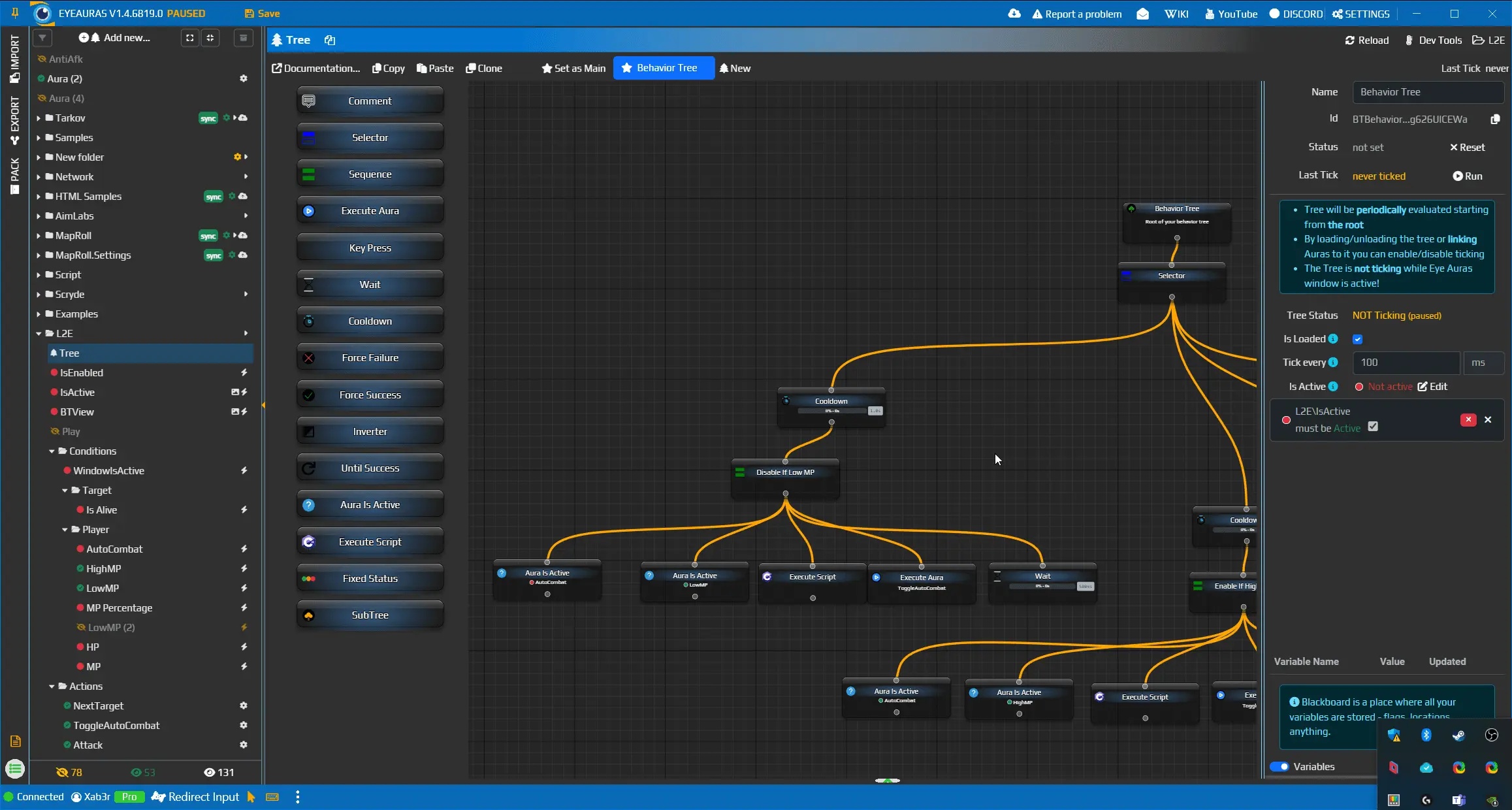
- Behavior Tree — in short, a way to describe what the bot should do. Think of it as the bot’s “brain”, while triggers and actions act as its eyes and hands.
- Triggers — any state that can be described as
Active/Not Active. For example: a hotkey (pressed / not pressed or toggled), an active window check (active / not active), or the result of an image, text, or color search (found / not found). An Aura’s state is determined by the combined states of its child triggers. Every trigger has three possible states:Active— the condition is met. For example, for theWindow Is Activetrigger, this means a window with a matching title is currently active.Not Active— the condition is not met.Unknown— the trigger state cannot be calculated for some reason. For example, if the window specified inImage Searchis not found, the comparison cannot be performed, so the trigger gets theUnknownstate.
- Actions — everything EyeAuras can do: show notifications, press keys and mouse buttons, send messages to Telegram or e-mail, and more. All actions inside an Aura belong to one of three groups:
On Enter— runs when the Aura becomesActiveWhile Active— runs repeatedly while the Aura staysActiveOn Exit— runs when the Aura becomesNot Active
- Overlays — elements displayed on top of all windows that can show text, images, custom UI, and more. Overlays are part of an Aura and are shown only while it is active.
- Enabling Conditions — triggers that can enable or disable Auras and Behavior Trees. For example, you can disable a bot if the game window does not exist.
Subsystems
- Export and Import — move, share, and back up EyeAuras packs between users and devices
- Aura Library — a shared library of EyeAuras packs where users can find, import, and use ready-made solutions
- Window Match Expressions — select specific windows using a custom expression
- Text Match Expressions — a powerful way to check text conditions through Regex, Text, and Lambda evaluators
- Bindings — link properties between triggers, actions, and overlays for easier setup of shared parameters and new workflows
- Default Properties
Triggers
- Fixed Value — the simplest trigger. Its state can be changed manually or through C# scripts.
- Color Search — becomes active when the average color of the selected area matches the target color. You can set a similarity threshold.
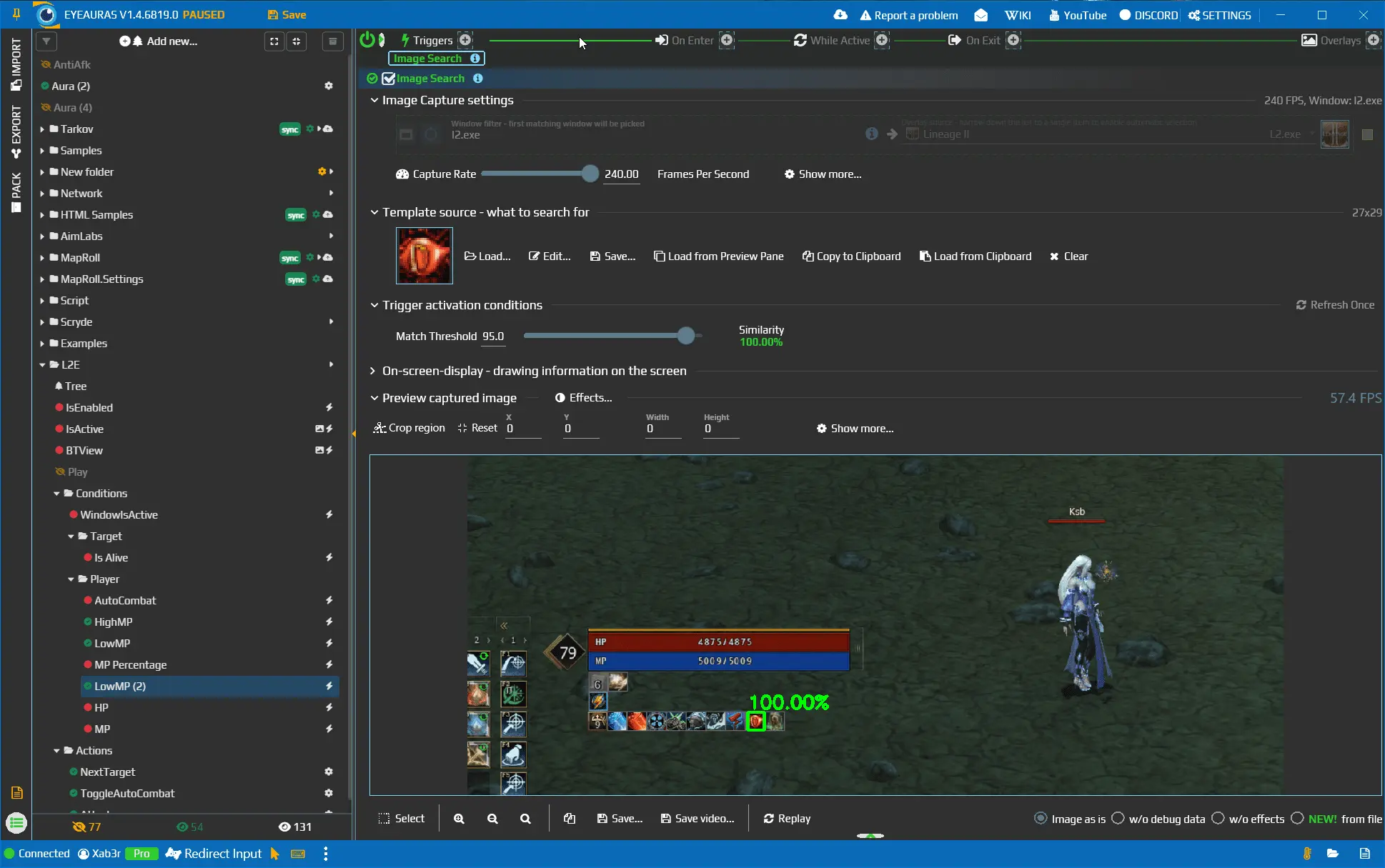
- Image Search — becomes active when it finds the specified image with the selected similarity level
- AI/ML Search — machine-learning-based search using object detection, segmentation, or classification. Currently only Yolo8 in ONNX format is supported, but this list may expand later.
- Text Search — becomes active when recognized text matches the specified expression. Supports
Contains, regexp, and C# Lambda checks. - Aura Is Active — becomes active when linked Auras are in the selected state (
Active/Not Active) - Hotkey Is Active — becomes active when the specified key combination is held or used as a toggle
- Window Is Active — becomes active when a window matching the specified expression is in the foreground
- Window Exists — becomes active when a window matching the specified expression exists in the system
- Timer — activates periodically for the specified duration
- Message Subscription — activates and deactivates when the specified message is received from the EyeAuras web server. Messages are separated by channels and can be sent through the
Send Messageaction. - File Contains — activates when the specified text is found in the selected file
- Telegram Subscription — activates and deactivates when the specified message is received in a Telegram channel
- Volume Control — activates and deactivates when the volume level of the selected audio device or process reaches the specified threshold
- C# Script — custom scripts written in the latest version of C# with full access to the internal EyeAuras API. Examples and documentation will be added once the API is more stable.
Actions
- Send — simulates user input: mouse movement, clicks, key presses, and more. Supports multiple input methods, from basic WinAPI-based input to hardware emulation using a physical Usb2Kbd device.
- Play Sound — plays the specified sound
- Win Activate — activates the specified window
- Delay — waits for the specified time before moving to the next action
- Send To Telegram — sends a message to a Telegram channel
- Send Message — sends a network message through the EyeAuras infrastructure to the specified channel. Other EyeAuras instances on other computers can subscribe to that channel and process those messages through the
Message Subscriptiontrigger. - C# Script — custom scripts written in the latest version of C# with full access to the internal EyeAuras API. Examples and documentation will be added once the API is more stable.
Overlays
- Text — shows text; the content can be changed manually or through C# scripts
- Image — shows an image; animated and transparent GIFs are supported
- Replica — creates a real-time visual copy of the specified window or part of it. For example, this lets you move important UI elements closer to the center of the screen or show a smaller copy of a YouTube player while farming.
- Dependencies Viewer — a debugging tool that lets you inspect the states of linked Auras. Especially useful for understanding complex setups.
- Custom UI — lets you build a full user interface inside EyeAuras using a combination of Microsoft Razor Pages (
html+css+js) and C# for logic and component integration