Template Image Editor
quick editor for Image Search templates - crop, erase, remove color, and resize
Template Image Editor
Image Search now has a built-in editor for quick template cleanup before the image is used for matching.
It is meant for small, practical edits:
- crop the useful area
- erase unwanted pixels
- remove a background color
- resize the template
- step backward with Undo / Redo
The editor is intentionally simple. It is not a full graphics tool, and it is not a replacement for Image Effects, which are applied to the captured image in real time. This editor changes the template image itself and saves the result back into the trigger.
How to open it
In Image Search, load or capture a template image and press Edit... next to the preview.
After saving, the updated image is stored directly inside the trigger, so you can immediately test the new template.
Main features
Remove Color
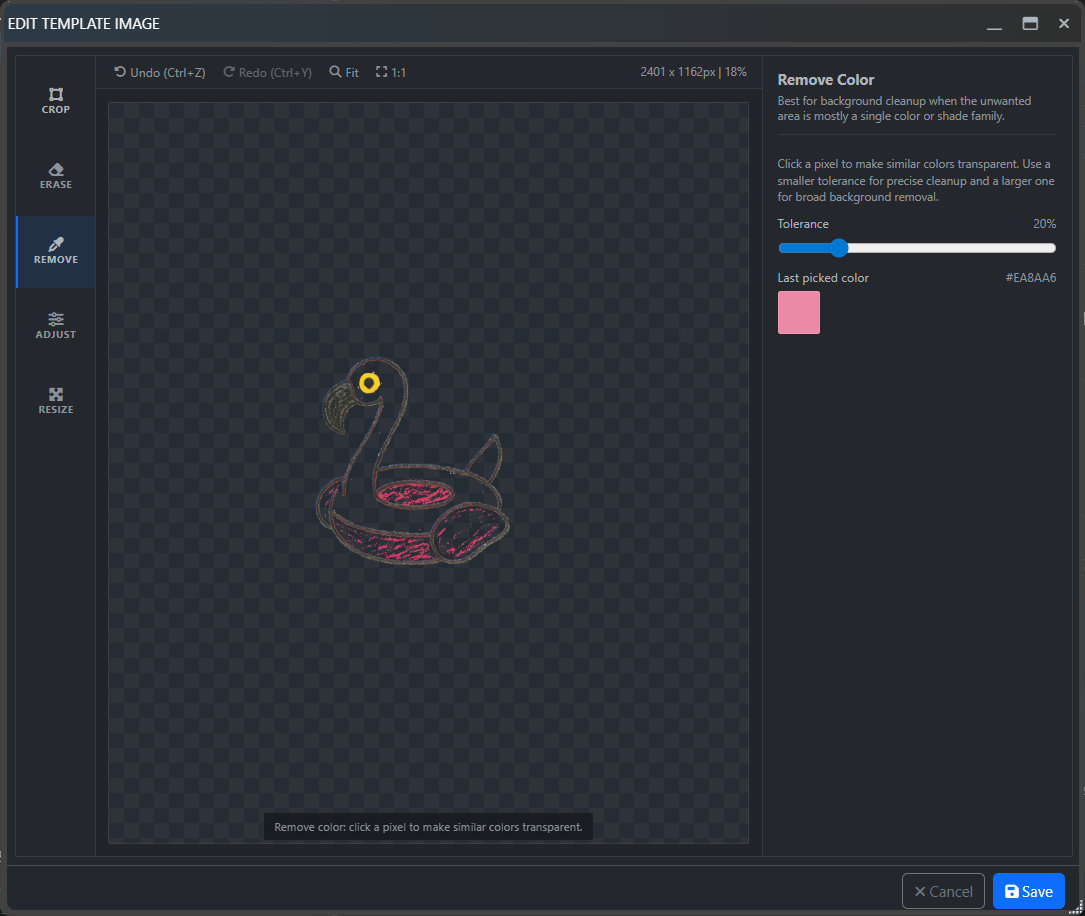
Remove Color is useful when the template has a flat background or a color that should not participate in matching. Click a pixel, adjust tolerance, and EyeAuras will make similar colors transparent.
Crop
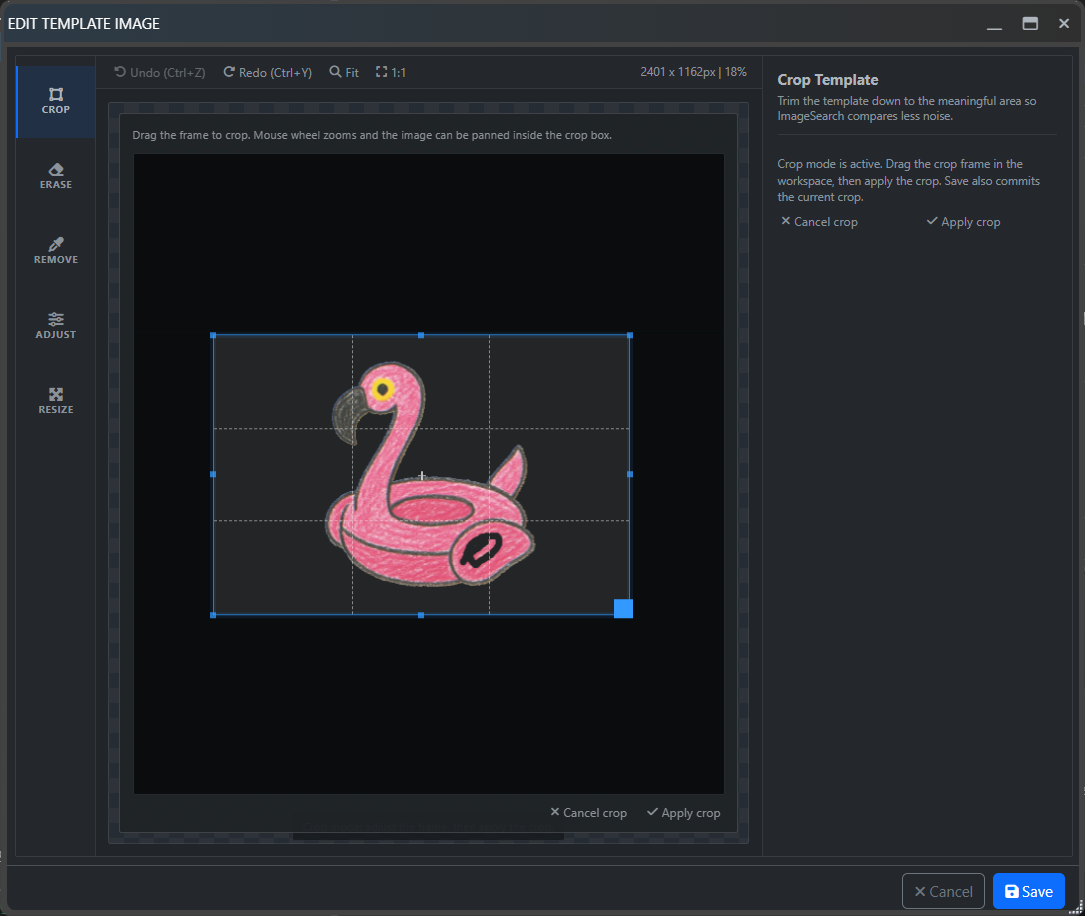
Use Crop to keep only the part that actually matters for matching. Smaller and cleaner templates are usually easier to tune and often work better.
Resize
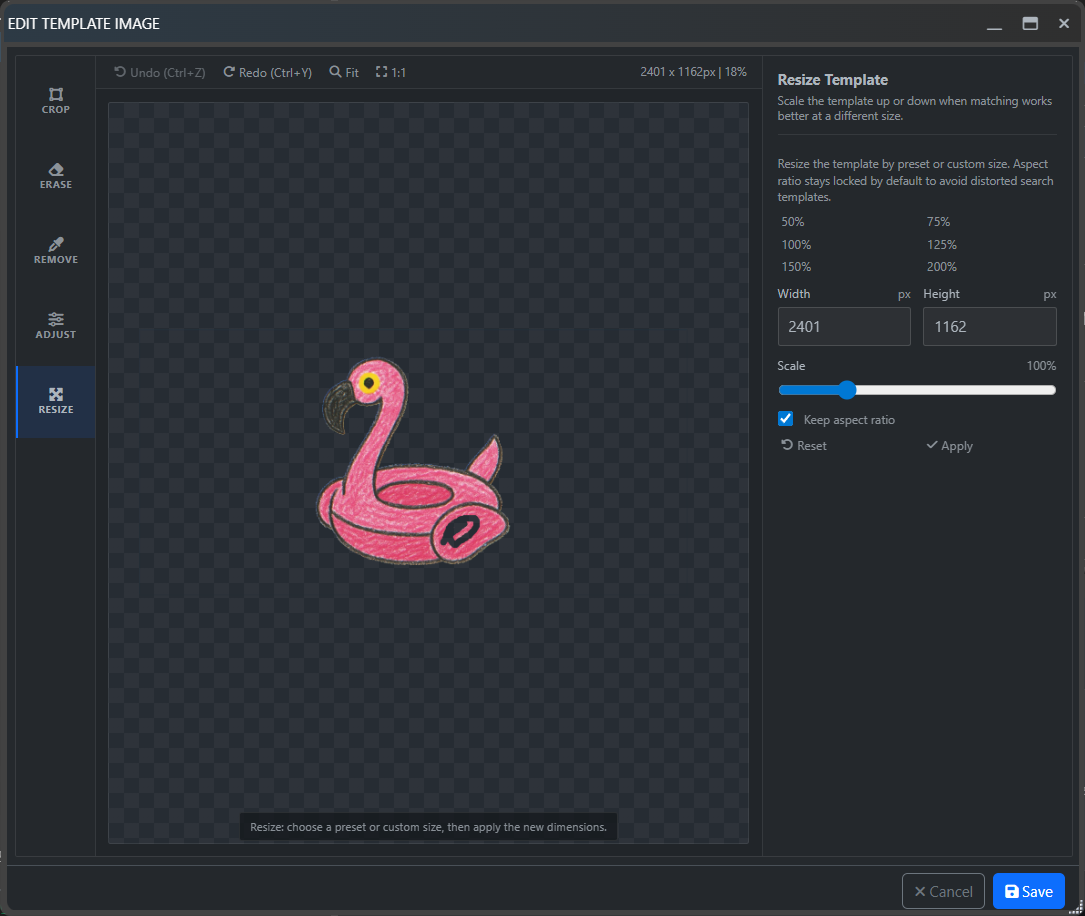
Resize can scale the template by preset percentages or by a custom size. This is useful when you want to shrink a template, normalize it, or quickly try a slightly different size.
Erase
Erase lets you paint transparency directly onto the template. This is especially useful for removing noisy corners, particles, glow, or other small details that keep changing in-game.
Undo and Redo
Use Ctrl + Z and Ctrl + Y to move through recent changes. This makes it easy to test several cleanup variants without reloading the image from scratch.
When to use it
Use the template editor when the template itself needs cleanup.
Use Image Effects when the live captured image needs preprocessing before matching.