📦 Packs
Packaging your auras and scripts for easier distribution
❓ Packs in EyeAuras
📦 What is a Pack? Packs (from the English Pack — package) are a feature of EyeAuras designed to simplify the distribution of user scripts. Whether it's a fishing bot, a set of macros, or a complex behavior tree — all of this can be packaged into one convenient archive.
✅ What is included in a Pack?
A pack consists of several parts:
- 💻 Program — version of EyeAuras compatible with the current configuration
- 🔧 Program Configuration — security settings, update channel (Alpha/Stable), etc.
- 📝 User Scripts/Auras/Macros/Behavior Trees
♻️ All this is packaged into a single ZIP archive, which can be easily copied and distributed.
🚀 How to create your own Pack?
-
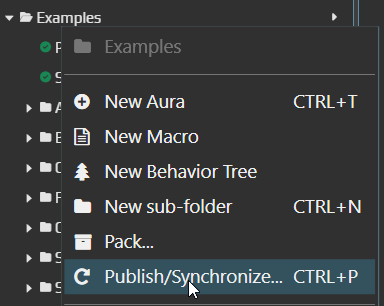
🖊 Right-click on the folder you want to pack and select
Publish.
-
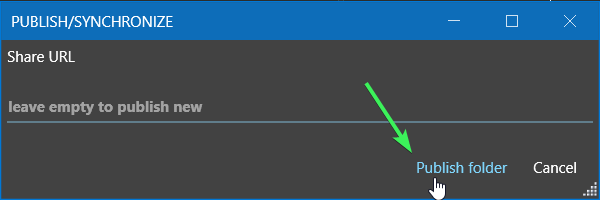
💾 In the opened window, click
Publish folder.
-
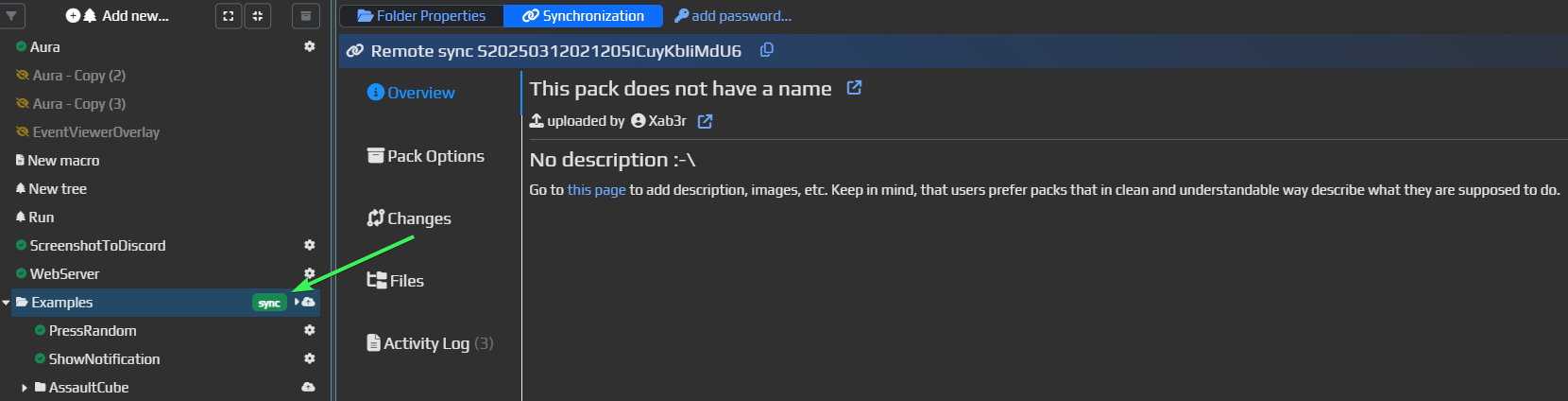
🟢 If everything went well, a green icon with the word
syncwill appear.
-
🔗 To download the pack, open the link to the right of the pack.

-
📥 On the opened page, click
Download portable packto download the ZIP archive.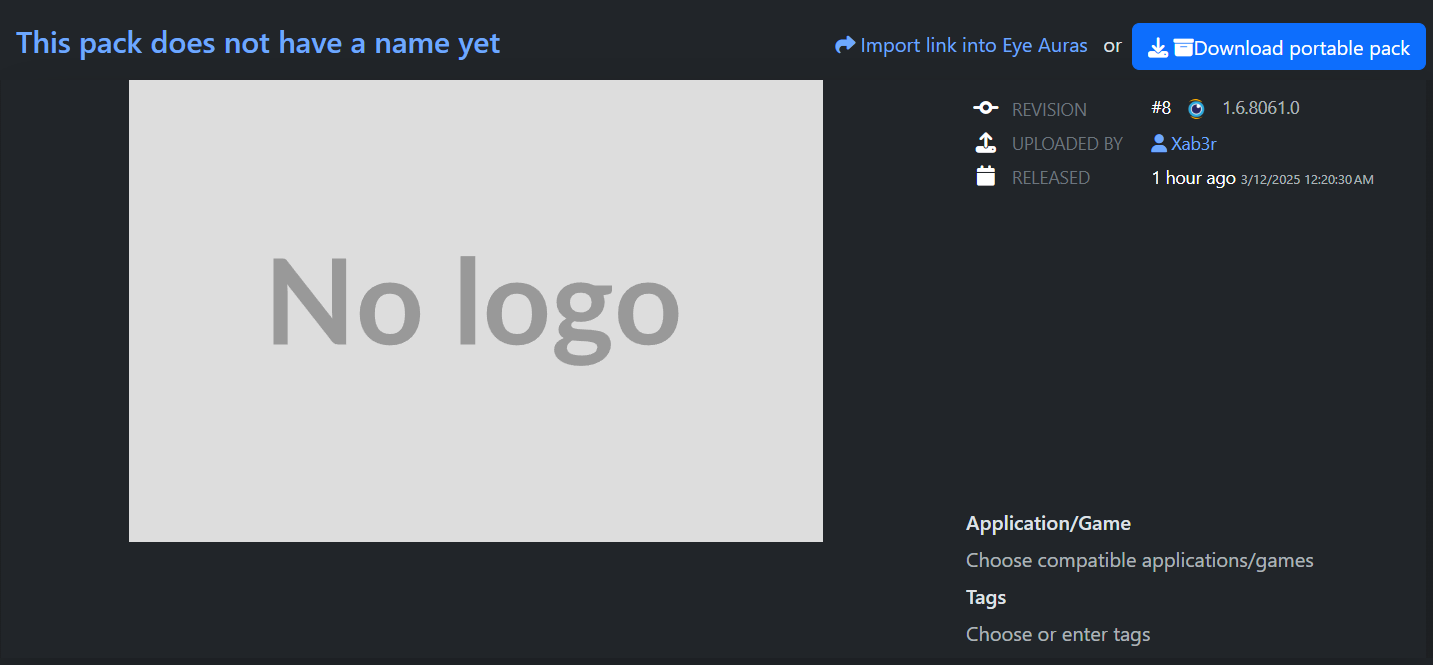
❓ Standalone vs Pack
Standalone- version you download from the homepage of the website. It registers itself in Programs and is generally a regular, full-fledged program. Most development is expected to be done through Standalone.Pack- portable version of the program that lives independently of Standalone and may contain additional changes made by the author through configuration.
📦 Portability
This is certainly the key feature - packs are by definition portable, meaning they do not require installation.
Stealth
Packs do not register themselves in the list of programs, they keep their configuration with themselves, and logs - also nearby. In general, they do not leave many traces and can be launched even from a flash drive.
⚙️ Unique Settings
The author of the pack (not the user, but the one who controls the pack) has the advantage of specifying a set of unique settings that dictate exactly how their pack should look and operate - for example, you can even hide the EyeAuras user interface and leave only your own, implemented with C# scripts and Blazor Windows. You can also configure the pack so that there are no original C# scripts in the ZIP archive at all - this will speed up launch time and enhance security, which is important if you are distributing some private or paid solution. More about script protection - here.
⚙️ Setting - Pack Distribution Policy
Pack Distribution Policies
Any➔ Import or download the pack — user's choice.Prefer Packed➔ Emphasizes downloading the packed version, hiding script import (though import remains available).Packed Only➔ Allows only downloading the Pack, without the import option.

⚙️ Setting - Script Compilation Mode
Now when exporting a new version of the pack, you can specify the script compilation mode. This allows:
- Reducing compilation time for users
- Protecting scripts by excluding their source code from the pack, leaving only binary files
Binary files? Scripts?
I explained this in detail here.
Briefly:
- Scripts — this is the text version of your program.
- Binary files — this is the compiled, ready-to-work program.
Compilation Modes
- 📝 Script Only ➔ Scripts are included in text form, compilation occurs on the user side.
- 📝 Scrith with Binaries ➔ Scripts and compiled files are included simultaneously.
- 📦 Binaries Only ➔ Scripts are excluded, only binary files are included.
⚙️ Setting - C# Script Protection
This option regulates how much EyeAuras will attempt to protect your scripts from prying eyes. More about script protection - here.
❓ Frequently Asked Questions
💡 What happens if I forget to enable protection when packaging? In that case, your scripts will be packed in standard form (simply compiled and without additional protection).